
Name-Based Case Searches
Minnesota Court Records Online Case Search, called MCRO, lets you search by Person or Business name. Fields cover last, first, and middle names. You also get a Sounds Like option, filing-date controls, case categories, status, and statewide or county-location filters. Accept the Scott County MCRO terms notice first. Then begin with an exact name. Add the date, category, status, and Scott County filters only when you truly know those facts.
- Open Scott County MCRO Case Search and choose Person or Business.
- Enter the known Scott County name fields, then select a filing-date range or case category only when useful.
- Choose Scott from the county list when the expected venue is Scott County; otherwise start statewide.
- Open a likely Scott County result and read its case number, location, status, and Register of Actions before relying on it.
| Field | Type | Required | Scott County search use |
|---|---|---|---|
| Last, first, middle name | Text | Last name is the starting field for a Scott County person search. | Try known Scott County middle-name variations as separate searches. |
| Sounds Like | Checkbox | No | Use for a Scott County trailing wildcard alternative, not together. |
| Date filed | Exact date or range | No | Narrows a broad Scott County result set. |
| Case category and status | Checkboxes and select | No | Limits results to the relevant Scott County public case type or status. |
| Location | Statewide or county choice | No | Select Scott County only after confirming the Scott County filing venue. |
The official Case Search form is shown in this Scott County docket search image.
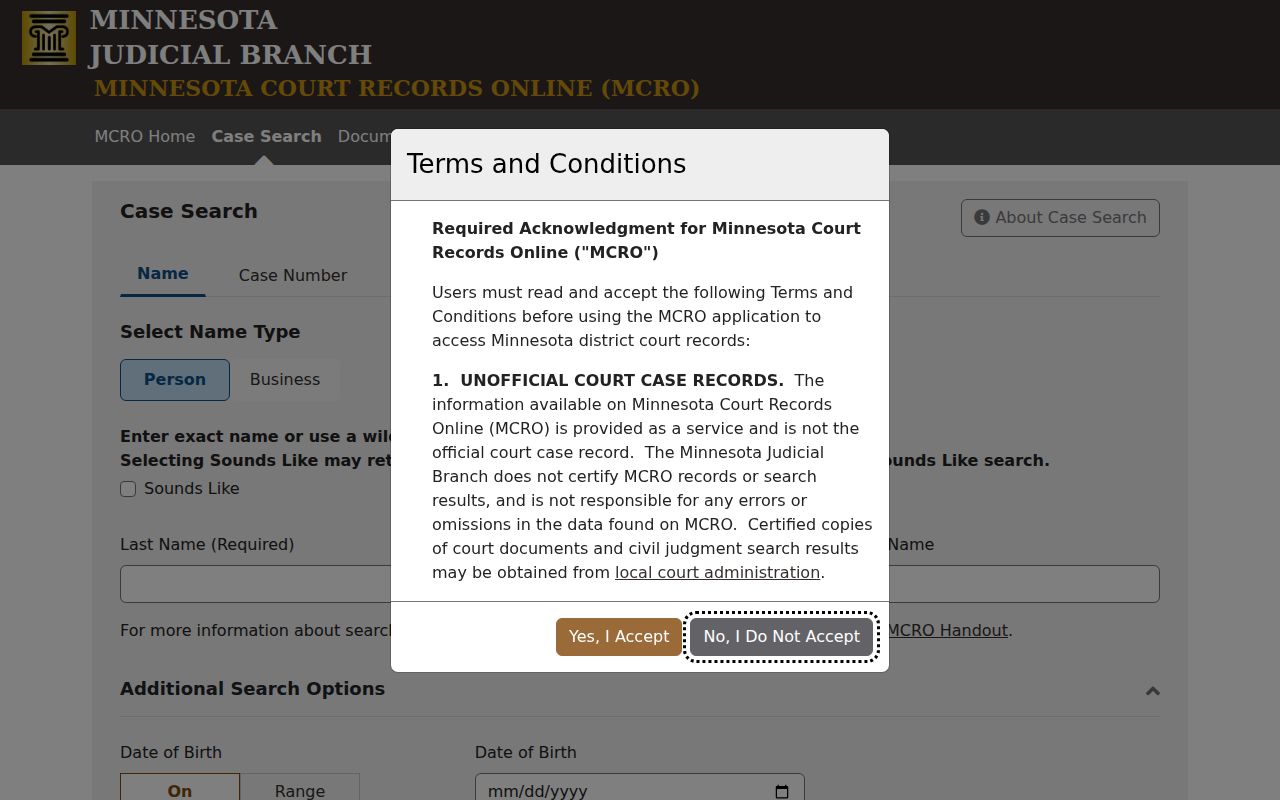
The form can surface Scott County public case information. But read any result, or the absence of one, within Scott County MCRO's access rules and search limits.
Scott County MCRO Name Filters
Spell the name exactly on your first try. MCRO also allows a trailing wildcard. It works after at least two characters. A Sounds Like option exists too, but you cannot pair the two. Try middle name, middle initial, and no-middle-name versions as separate Scott County checks. The date-of-birth and date-filed controls demand the form's specified date format.
A name search is not proof of a full case history. Pending criminal, traffic, and petty-misdemeanor matters without a conviction may stay off a defendant-name search. Use the complete case number when you have it. If a public record still does not appear remotely, ask Scott County Court Administration. Or use courthouse access.
Case Number Searches
For a known file, a complete Scott County case number is the direct MCRO route. Scott County cases commonly start with county code 70. Then come a case-type code, a two-digit filing year, and a sequence. A criminal number can resemble 70-CR-26-01234. But the displayed Scott County number, not an assumed pattern, controls. Case Number and Citation Number views both require a complete number. Dashes and leading zeroes may be fine; skip the spaces.
The Case Number view works for a file identifier. The Citation Number view fits a citation identifier. An incomplete number just triggers an error. A complete number sidesteps name-search limits and lands on the Scott County case record tied to that unique MNCIS identifier.
Scott County’s Four MCRO Search Tabs
MCRO sorts Scott County public research into four tabs: Case Search, Document Search, Hearing Search, and Judgment Search. Case Search handles name, case number, citation number, and attorney queries. Document Search runs on case numbers, not full-text keywords. Hearing Search accepts a name, case number, judicial officer, or attorney. Judgment Search covers docketed monetary judgments by debtor. MCRO Hearing Search shows the hearing filters. This Scott County docket search page points to them on the official site.
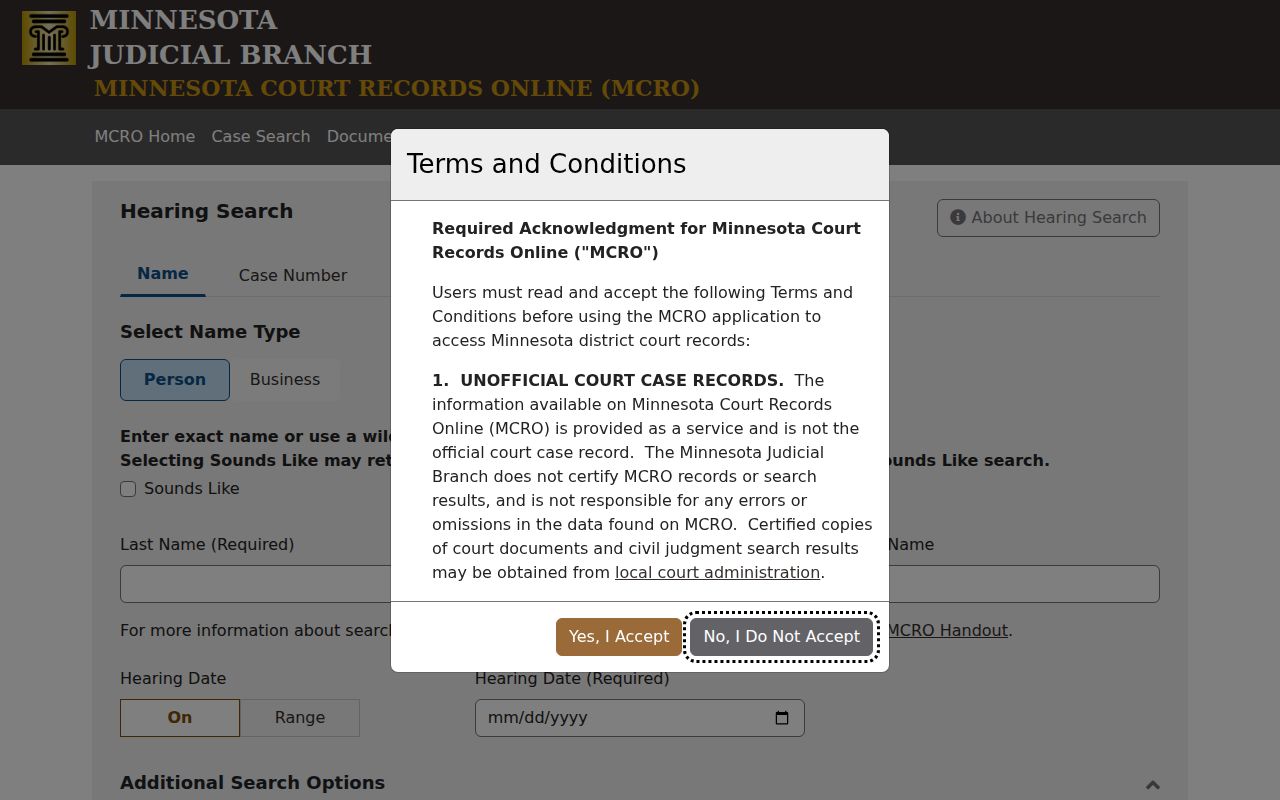
The tabs work together, not separately. A public docket search will not file documents, schedule a hearing, pay a fine, or issue a certified court record.
Scott County Case Code Clues
The case-type code signals what kind of matter a Scott County result represents. The common markers are listed together. They include CR for criminal, CV for civil, FA for family, PR for probate, and VB for payable traffic. Treat the code as a category label. It is never a finding about a person or an outcome.
Citation numbers are not case numbers. A Scott County traffic matter can take time to be filed before its court case appears. So read the case number, title, venue, filing date, and status together. One code alone is not the whole record.
Case Search Results Explained
A Scott County result card flags a case that matched your search terms. Open Case Details for public information. It sorts into sections: case information, party roles, hearings, case events, dispositions, and whatever else the access rules allow. The Register of Actions lists the case's activities, proceedings, and filings in order. A document index number points somewhere specific. It marks a filing or event. But it does not promise the attachment is viewable online.
| Case number and title | The identifying Scott County file number and public caption or case title. |
|---|---|
| Case type and status | The category code and Scott County public status displayed by MCRO. |
| Case events | Chronological Scott County docket entries, generally shown newest first. |
| Hearings | Upcoming and past Scott County scheduled hearings, distinct from the full event history. |
| Dispositions and judgments | Scott County public outcome or monetary-judgment information when the category and access rules permit it. |
| View Document | A control that appears only when a Scott County public document is remotely available. |
A Scott County charge is only an allegation, not a conviction. Likewise, a judgment entry is not proof of payment or satisfaction.
Scott County Search Results Stop at 200
MCRO caps Scott County results at 200 records. A broad name search that hits that cap is not a complete list. Narrow by date filed, category, status, or location. Or just use a complete case number. Results default to Newest First, and an Oldest First option exists too, so ordering is a viewing choice rather than a ranking. MCRO Judgment Search is the official page behind this Scott County docket search screen.
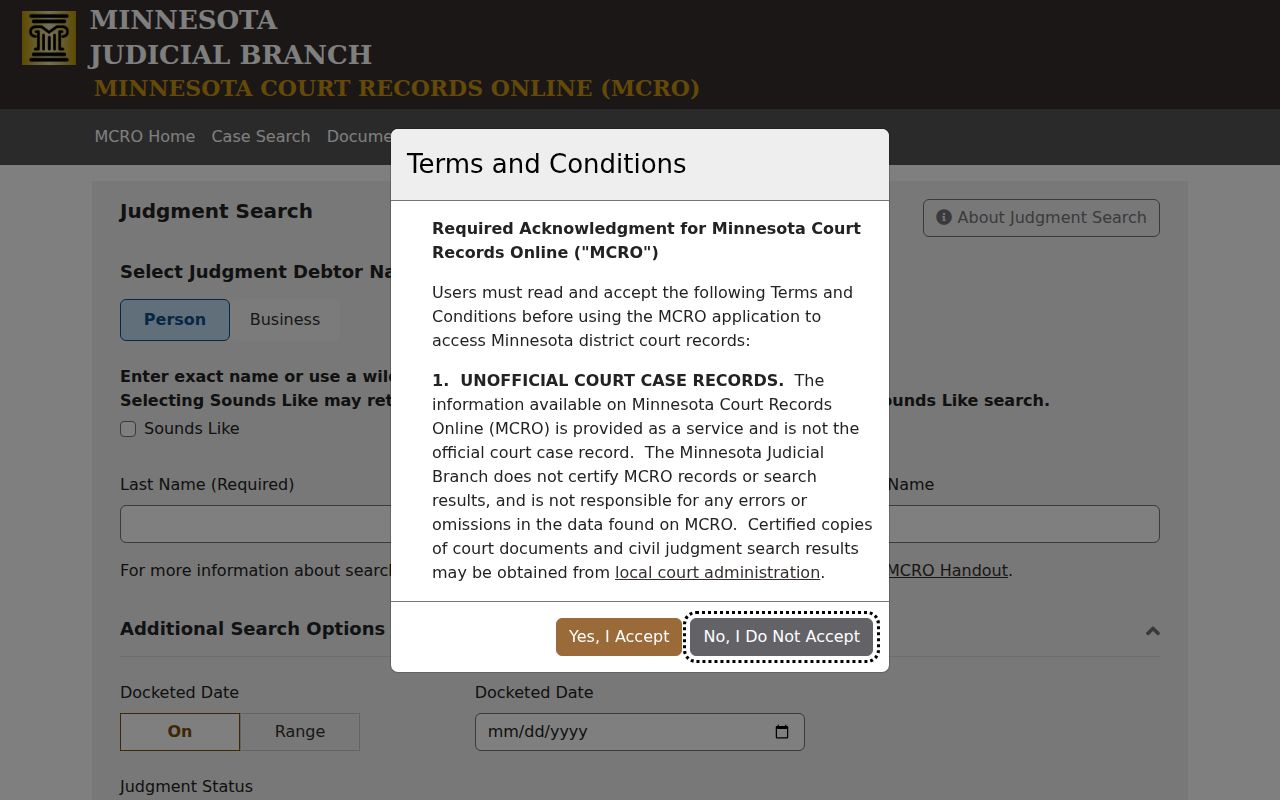
Judgment Search carries its own debtor, docketed-date, status, and location controls. It does not cover every civil remedy or replace a current certified judgment from Court Administration.
Scott County Document Search Limits
Got a case number already? Document Search is built for that. Feed it the number and it hands back a list of documents on file, each with a View Document control to open the item. It will not work the other way around. You cannot type a person's name or a legal topic and expect the system to comb through Scott County court records for you, so identify the case first through a docket search, then come here. Coverage differs by case type. Documents filed on or after July 1, 2015 generally get broader remote access, covering major and minor criminal cases, civil matters, and certain probate categories. Family cases and other categories follow tighter remote viewing rules.
The state's own tool for this is the official Document Search form, the same page shown in this Scott County court docket illustration.
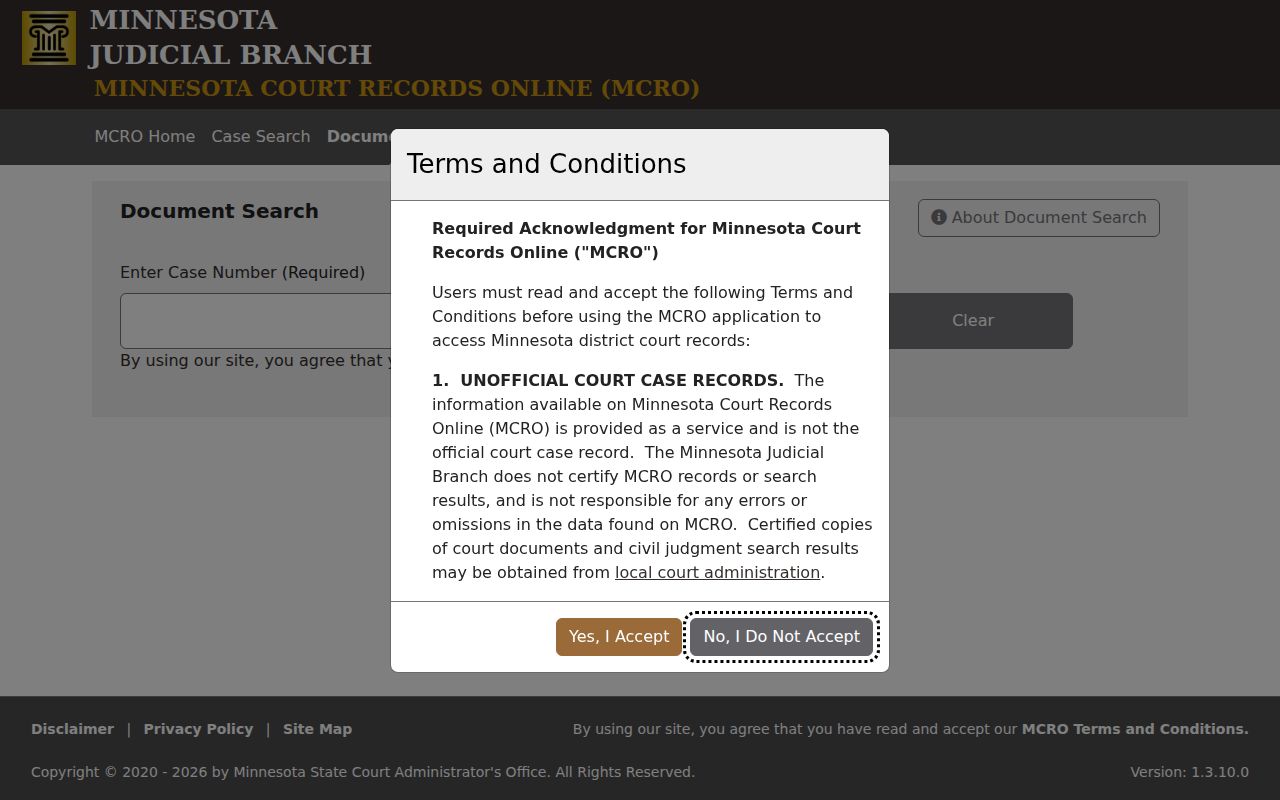
A document that is not available remotely may still sit in the file. It just is not posted. For the actual record, copies, or certification, take the Scott County Court Case Records route through Court Administration.
Two Ways to Search: County and State
Think of MCRO as the statewide layer with a location filter attached. Turn the filter to Scott County. The results tighten to that venue. Starting statewide makes sense when you are not sure where the case belongs. Choosing Scott up front helps once the county is known. It also trims a broad name search. Scott County District Court sits inside the First Judicial District. Still, the court location listed on the result is the fact worth confirming. A Scott-only name search can come back empty. Widen the net. Drop the county filter, check spelling and middle-name options, stretch the filing-date range, or try the full case number. Remember that a no-result name search does not prove the absence of a case. That holds for pending criminal, traffic, or petty-misdemeanor matters with no conviction.
| Statewide MCRO search | Scott County-filtered search |
|---|---|
| Searches participating Minnesota court locations available through MCRO. | Limits the location choice to Scott County District Court records available through MCRO. |
| Useful when venue is uncertain or a case may be outside Scott County. | Useful for narrowing a known local case or a broad name result. |
| Still subject to the same public-access rules and 200-result cap. | Still does not replace the Law Library terminal or Court Administration. |
Scott County Courthouse MPA Access
MCRO is free and works from anywhere. Minnesota Public Access, called MPA courthouse view, is different. It runs on public terminals at the Scott County Law Library and gives the fullest public electronic reach into statewide district-court records. So when MCRO shows an event with no document, or old material is not remote, that terminal is the next stop. Court Administration can also supply local paper files, copies, certification, and advice on old or off-site records. One limit holds. The courthouse terminal does not unlock sealed or confidential material; it only offers deeper public electronic access than the remote layer where rules allow.
Scott County MCRO Navigation Rules
MCRO arrived after MPA Remote went dark in April 2023. The rollout came in phases: Document Search in 2021, Case Search later that year, then Hearing and Judgment Search in 2022. No public registration is required. The Judicial Branch lists Chrome, Firefox, Safari, and Edge support on both mobile and desktop browsers. One quirk matters inside the application. Do not use the browser Back button. MCRO's own breadcrumb links keep your place, and rerunning the search is simple if needed. Technical support handles connection or system failures. Court Administration answers case questions and copy requests. The Judicial Branch's MCRO launch information covers the service behind this Scott County docket search tool.
Stick with MCRO's own navigation controls so your Scott County case search context stays intact.
Scott County Search Category Filters
Category filters shape what a Scott County docket search returns. MCRO offers Civil, Criminal, Family, and Probate or Mental Health options. A narrow category can shrink a long results list. It can also hide a case that was filed under a different classification. Treat a category choice as a search control. It is not a promise of access. Match the form to what you actually know. Business research belongs in the Business choice, not a company name forced into person fields. Attorney research works through Attorney Name or a complete Attorney Bar Number. Start narrow, then expand only if needed.
Which Cases Stay Restricted
The Minnesota Rules of Public Access to Records of the Judicial Branch apply here. They govern all of this. Rule 8 splits courthouse access from remote access. Rule 4 lists the categories and records closed to the public. Restricted material can include juvenile, adoption, some family, commitment, domestic-abuse, harassment, medical, protected-identifier, sealed, and expunged records. The reach depends on the rule and the case's procedural status. Repeating a remote search will never produce a confidential document. Scott Court Administration requires a signed judge's order before copying confidential documents. CON101 is the form for judicial access review. Use it after ordinary access fails, or when review is required. It is not a master key. A missing result or attachment proves very little. It never rules out a case or document.